POKÉMON TCG POCKET
Give your duplicates
a new place to belong.
There is more to your collection. Scroll from organizing your cards to finding your next trade partner.
POKÉMON TCG POCKET
There is more to your collection. Scroll from organizing your cards to finding your next trade partner.
01 / Sync collection
Import your collection, wanted cards, nickname, avatar and friend code from your linked Nintendo account. Review the result before saving, then use your duplicates to prepare a trade listing.
Game data sync requires a verified email account. Guests can select cards manually.
View the sync guide ↗02 / Wanted cards
Use the complete number and artwork to identify the printing. Adjust what you want for this listing while keeping your imported wanted list intact.
Compare card printings ↗03 / Find a trade
Compare what both players offer and want. Prepare duplicates after keeping one copy, then confirm the details and complete the trade in the game.
Find a trade partner ↗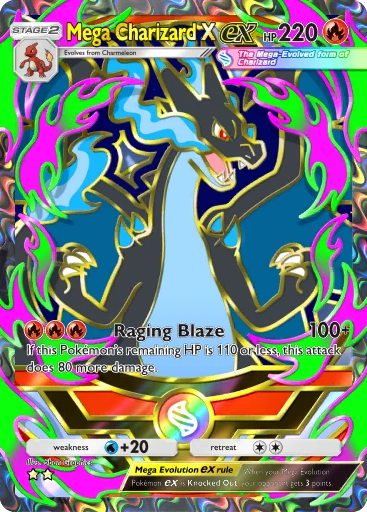 B4b-411
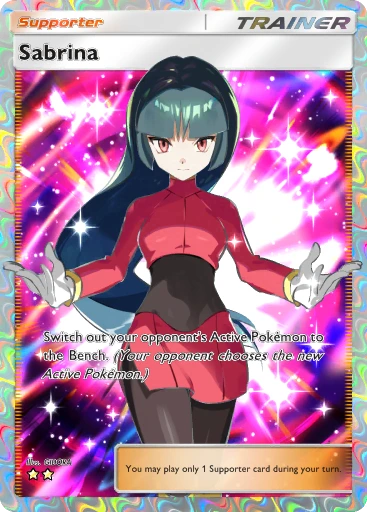 A1-272
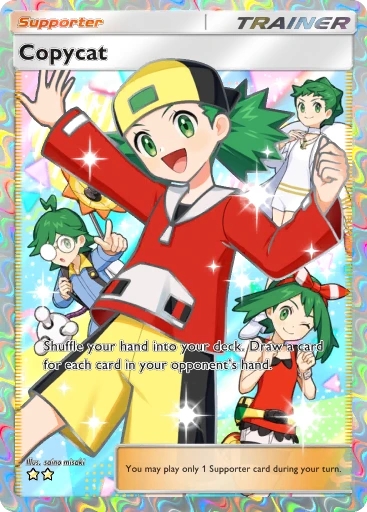 B4b-424
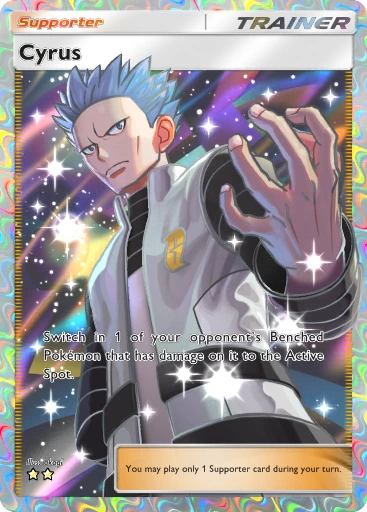 A2-190
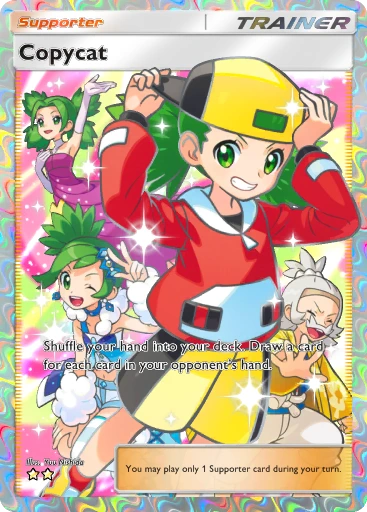 B1-270
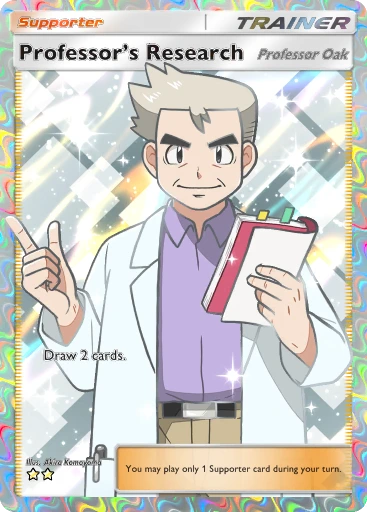 A4b-373
Your next card awaits.
TCG Pocket Trades is a free, unofficial Pokémon TCG Pocket trade partner finder. Compare offered and wanted cards, or sync your game collection to prepare a listing.
Matching illustration. Confirm availability with the player.
Yes. Browsing the trade board and finding compatible requests are free. This independent tool helps you find players; you complete card exchanges in Pokémon TCG Pocket.
You can browse and select cards as a guest. Guest data stays in this browser. Verify your email to restore your site account on another device and use game data sync.
Sync reads your collection, wanted cards, nickname, avatar and friend code. Smart listings use duplicates remaining after keeping one copy. You can adjust the listing draft without changing the imported wanted list.
A match compares the cards offered and wanted. Confirm the exact printing, availability and friend code with the player. External requests come from other communities and may have changed since collection.