How to identify the right card version before a Pocket trade
A Pokémon name or a screenshot alone may not tell you which card someone is offering. Use a few visible details to make your request precise.
01
Read the set code and number
Use both parts of an identifier such as B4b-418. The set code identifies the release and the number identifies the card within it. Include them in your message when a name has several printings.
02
Compare rarity and artwork
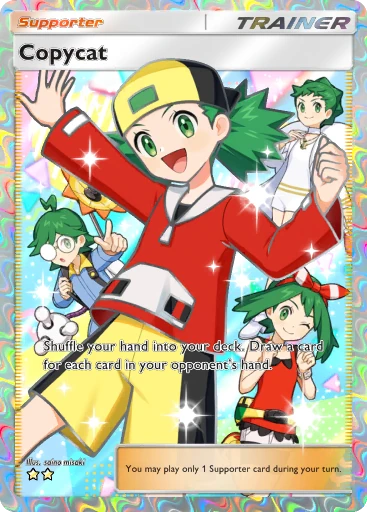
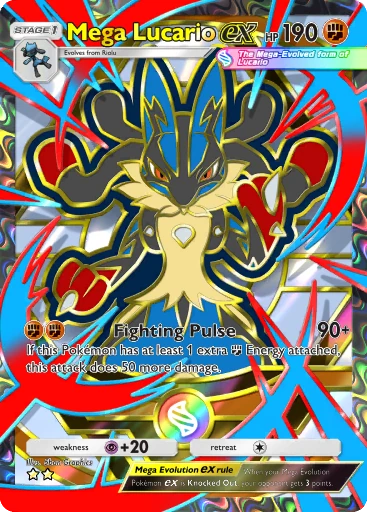
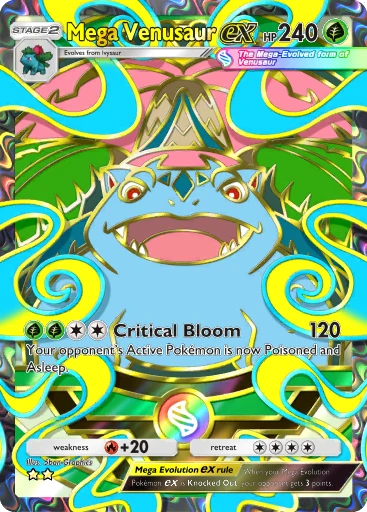
Look at the rarity symbols and the complete illustration. Full-art, rainbow-border, shiny, and regular cards should not be treated as the same version just because their names match.
03
Separate wanted cards from available cards
A grey card or a zero count in a collection screenshot may indicate a missing card. Read the author’s labels: LF means looking for, and FT means for trade. Do not assume every pictured card is available.
04
Check the request after importing screenshots
Review recognition results against the original image. Pay attention to cropped cards, crossed-out entries, repeated printings, and unclear screenshots. Leave uncertain cards out until you can identify them.
05
Confirm in the game
Before accepting, compare the exchange screen with the agreed card number and illustration. Use the game’s current eligibility and rarity checks as the final reference.